
Bring Your Own iPad Program
Summary
Our BYOD (Bring Your Own Device) iPad program began in 2023 with year 3 & 4 students.
After a huge success in 2023, we’ll progress with the implementation of the program in 2024 for year 3, 4 & 5 students.
Please save this page for future updates and information as this program progresses.
Information Sessions
We’re planning our next information session, so please look out for further communication or check back here regularly.
Reach Out
If you have any direct questions or queries, please email byod@springside.vic.edu.au.
Benefits of our BYOD Program
- At Springside PS we aim to improve student achievement and prepare our students to be successful now and in the future.
- Digital Literacy skills are essential for 21st Century Learners and we encourage students to become responsible digital citizens.
- Students have access to technology whenever it is needed rather than waiting for a time when resources are available.
- They also don’t have to worry about having their work accidentally deleted by other students when using shared devices.
- Students are able to use devices to work on projects at home or complete set homework tasks.
- It provides the opportunity to teach Cyber Safety in a controlled and regulated environment.
- Providing devices and opportunities to integrate technology into our teaching practice further develops, enhances and transforms the quality of student learning.
- It is not financially viable to provide every student in grades 3-6 with their own devices. Funds will be utilised elsewhere to improve the learning experience for students at Springside PS.
- It helps Springside PS lessen its impact on the environment.
Device Specifications
Do I need to purchase a new device?
No. If your family already has a device, you may wish for your child to use it. The options to buy a device are for families needing one.
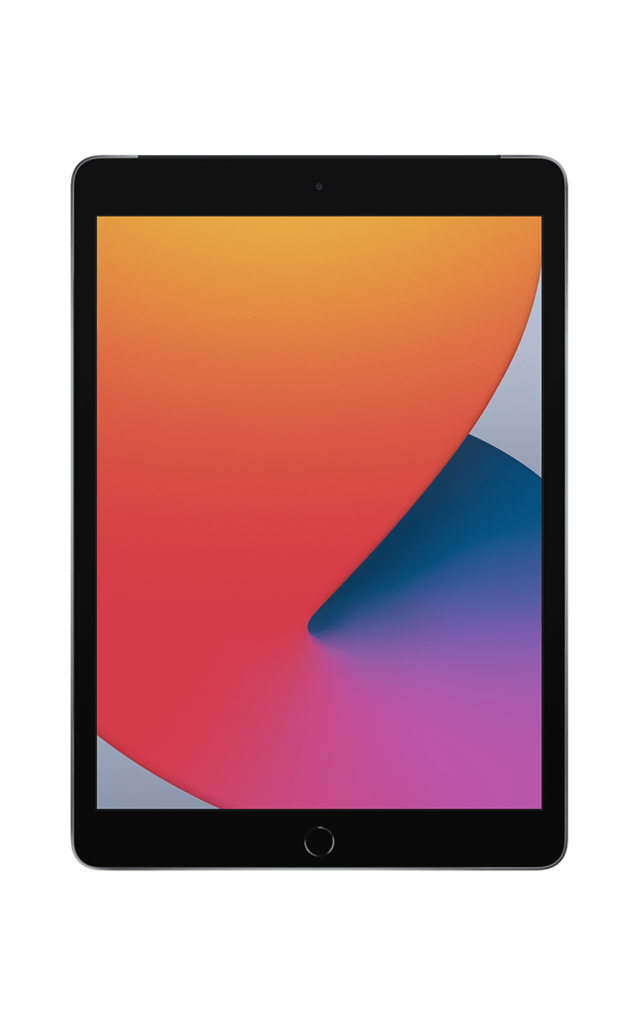
If using an older device, we recommend it is 8th generation iPad or newer and has at least 64GB of storage for use until the end of your child’s schooling.
Where do I purchase a device?
Springside PS has an educational discount available to families through our supplier CompNow. Simply click the link below and select your device and/or accessories.
Springside Primary School Portal (compnow.com.au)
Do I need to purchase any accessories?
It is a requirement that students participating in the BYOD program, purchase a cover to protect their device. We also recommend a screen protector.
Connectivity
Your childs device will need to be wiped (once-off) in order to connect to our system. This is to ensure that our school requirements will be met, and for accountability purposes. We will be able to assist if your student forgets their pin code or can’t locate their device.